AI Produced Vocals Are Frustrating to Work With
If you’ve spent any time working with AI-generated vocals or extracted stems recently, you already know the feeling.
You find an incredible creative topline or generate a stunning vocal hook in a tool like Suno. The performance has incredible soul, but the moment you go through the extracted stems or you solo the track in your DAW, reality hits.
The vocals sound like they were recorded inside a cardboard box, through a plastic pipe, or under water. The high end feels like a swirling, glassy low bitrate MP3, and when the chorus hits, a wall of brittle digital white noise completely fatigues your ears and deflates your excitement.
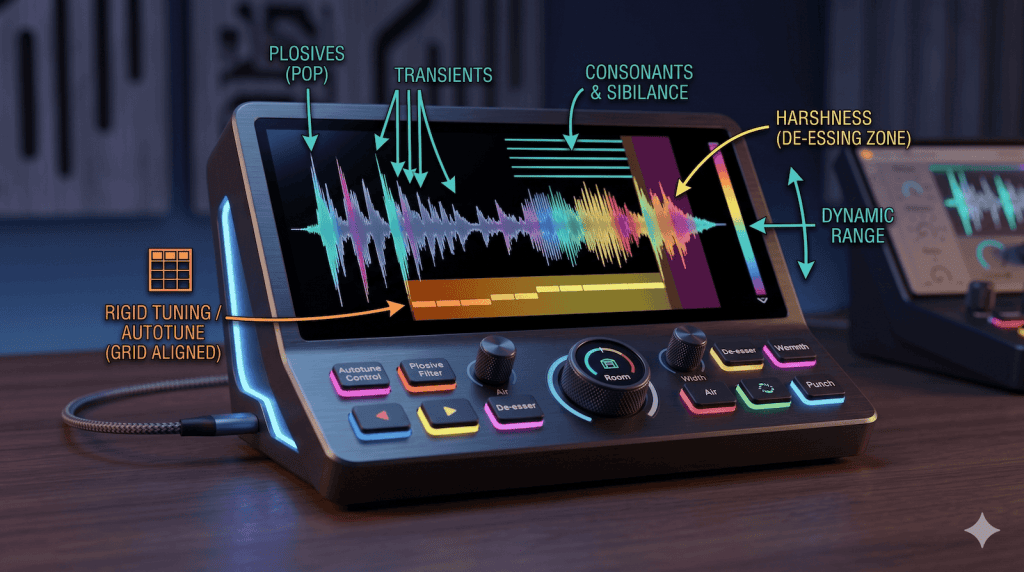
These are some of the most common issues with AI generated vocals as well as AI separated vocal stems:
- glassy phase smearing and aliasing
- bubbly phase modulation
- excessive white-noise
- unnatural frequency distribution
- no proximity effect
- truncated and slurred consonants
- rigid pitch grids that can sound autotuned and uncanny
- hollow mid-ranges
- harsh top end
- way too much spatial effects like reverb and delay
- everything is sidechained and pumping hard
The Way AI Produces Vocals is Different to How We Record Them
As an audio engineer and producer with over two decades of experience in the house, disco, and electronic dance music scene, I’ve watched our industry move fast. Tools like Suno are becoming standard workflow assets for sketching ideas, pitching demos, and testing hooks. But there is a key truth from an engineering perspective:
AI models don’t record physical air moving through a microphone capsule. They generate mathematical approximations of sound.
So, if you try to treat an AI vocal stem using standard vocal mixing techniques, you will fail. Standard downward compressors will nervously latch onto the micro-peaks of the digital digital noise floor, making the watery, bubbly artefacts sound even worse.
To bridge the gap between mathematical data and a pristine club mix, you have to approach the track like an audio restoration specialist. You have to strip away the clinical, mathematical flaws before you ever touch a creative plugin.
To give back to the production community, I’ve spent countless hours in my studio mapping out the exact solution. Today, I’m giving it away for free.
Introducing The Ultimate AI Vocal Processing & Stem Restoration Suite.
What’s Inside the Free Vocal Suite?
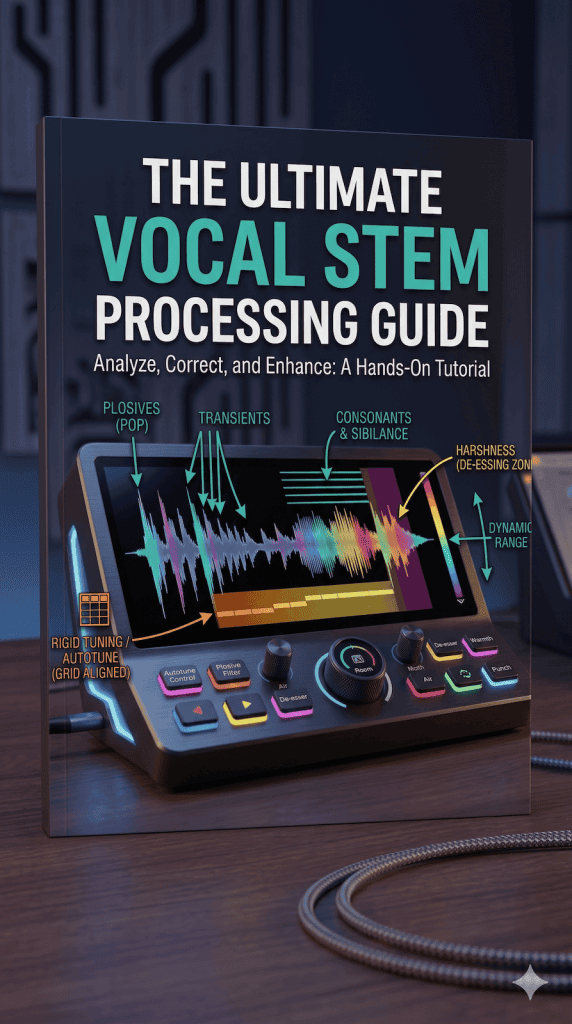
1. The Comprehensive AI Vocal Restoration Guide (PDF)
This is a platform-agnostic, step-by-step masterclass. You can take the exact blueprints in this guide and apply them manually inside any modern DAW using your own favourite suite of third-party plugins.
- The 3 Diagnostics: How to use standard tools to hunt down hidden phase bubbles, algorithmic white noise, and silent sub-bass thuds that are secretly destroying your mix headroom.
- Surgical Frequency Blueprints: The precise, static EQ cuts and notches needed to instantly dissolve the “cardboard box” and “telephone tube” textures.
- Rebuilding Organic Density: How to manually re-inject human chest weight, transient consonant bite, and organic micro-pitch variations to pull the vocal out of dry, rigid and uncanny territory.
2. My Custom AI Vocal Treatment Rack (For Ableton Live 12+)
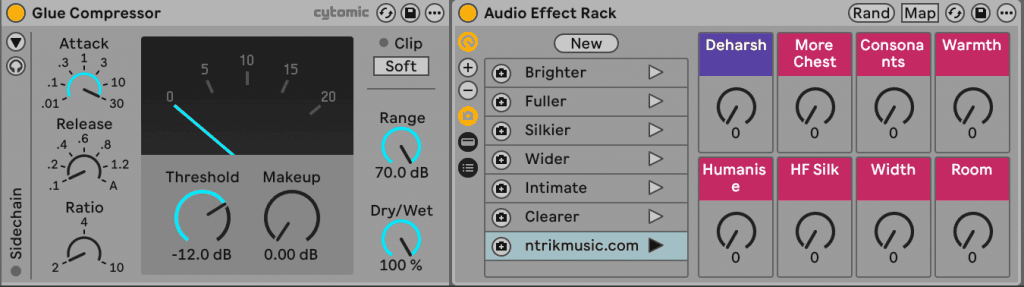
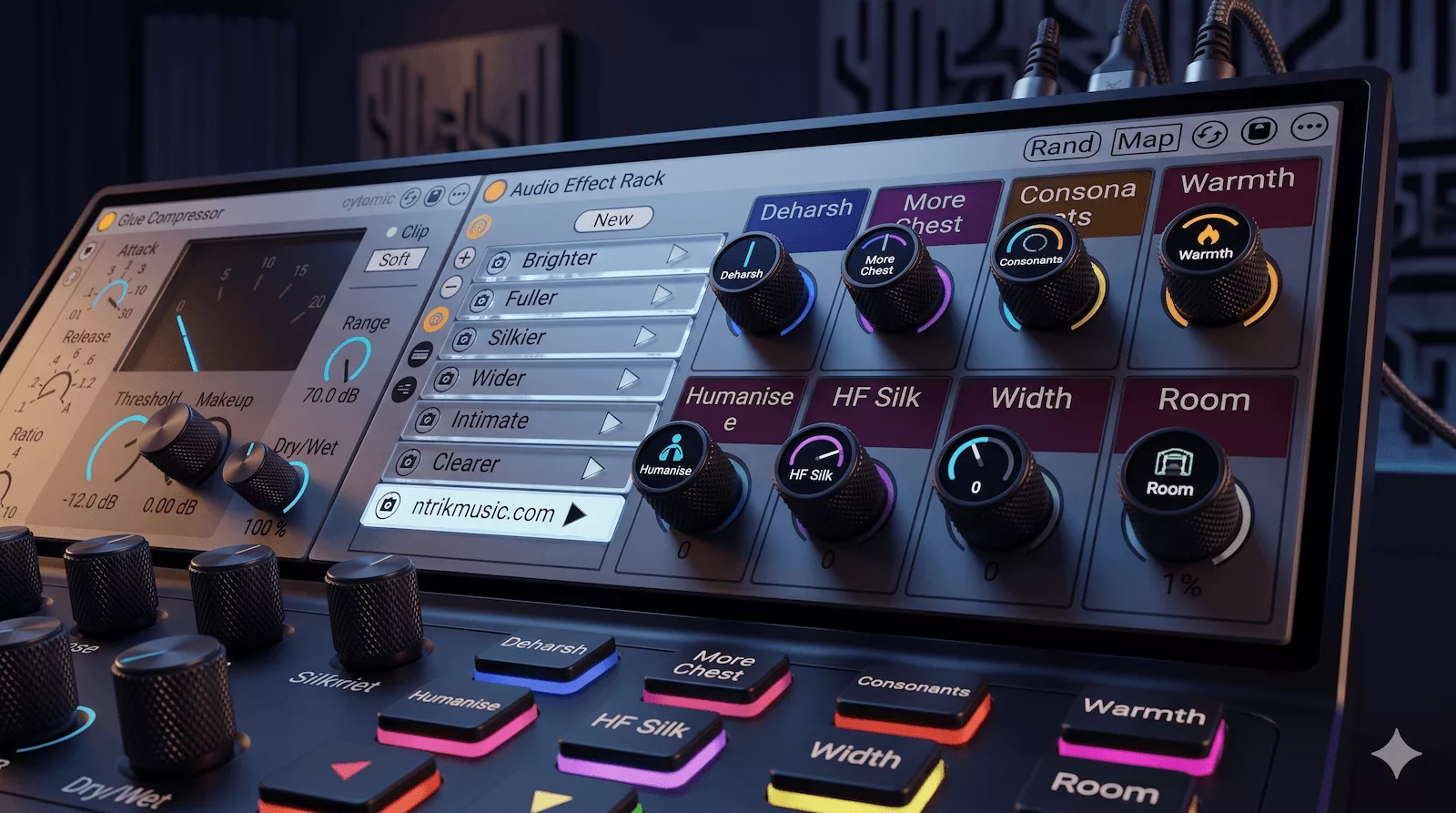
Don’t want to spend hours setting up intricate parallel processing matrices from scratch? I’ve translated this multi-stage restoration workflow into a lightweight, powerful 100% stock plugin rack for Ableton Live 12.
Load the rack onto your track, use the front panel to stage your input level until the Glue Compressor needle just starts dancing, and take total executive control using 8 intuitive macro knobs:
- Deharsh: Dynamically tames shifting, brittle sibilance only during the precise milliseconds it flares up.
- More Chest: Uses upward expansion to restore organic weight to a hollow mid-range.
- Consonants: Restores high-end transient articulation so lyrics snap cleanly through a dense instrumental.
- Warmth: Introduces warm, analog-modeled saturation to mask synthetic textures.
- Humanise: Introduces microscopic pitch drift to break the track off the rigid, autotuned AI grid.
- HF Silk: Softens the high frequencies while giving them an expensive, commercial sheen.
- Width: A specialized, phase-safe, completely mono-compatible hyperwide stereo engine.
- Room: Places the vocalist in a tangible, physical studio booth environment.
Your music has soul. Let’s make sure the mix matches it
Stop fighting the algorithms, stop letting synthetic glare ruin your top lines, and start formatting your stems like a professional restoration engineer.
You can download the PDF guide and pick apart the custom Ableton 12 rack entirely for free on my Gumroad page. Pop a 0 in the price box to claim it, or throw in a tip if you find it brings massive value to your project workflow!
👉 [Download the Ultimate AI Vocal Restoration Suite Now]
Stuck on a challenging mix or vocal tracking session? I keep a few slots open every single month for a completely free, zero-obligation Vocal & Mix Critique. Send me a bounce of your work-in-progress, and I’ll send you an honest video shop-talk breakdown with my exact settings and recommendations to help get your track over the finish line.